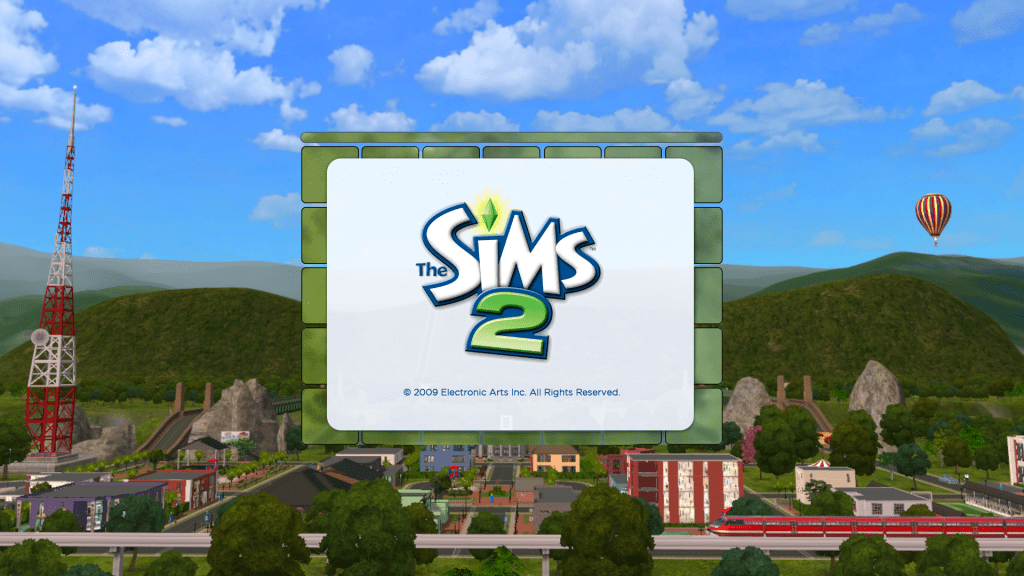
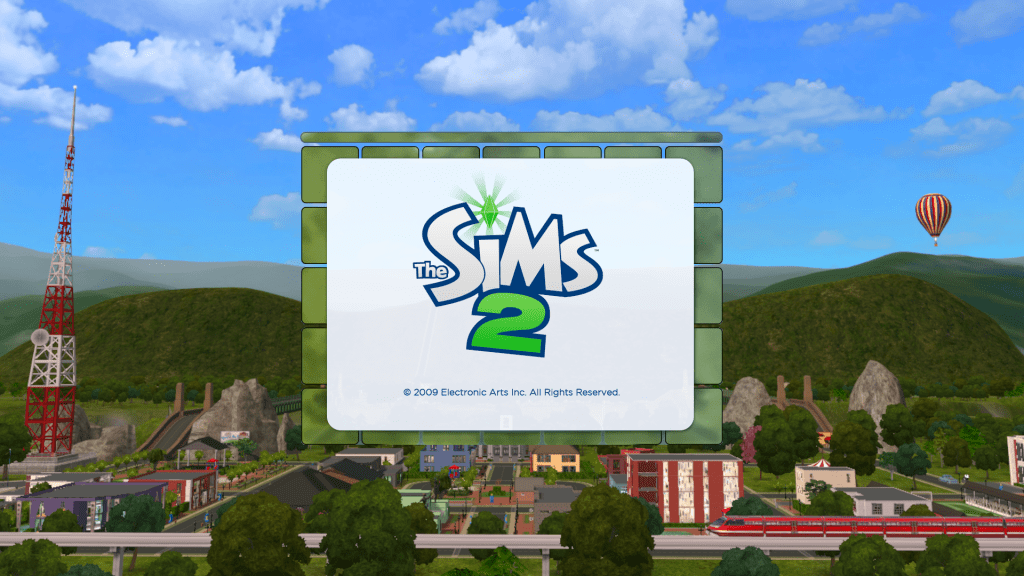
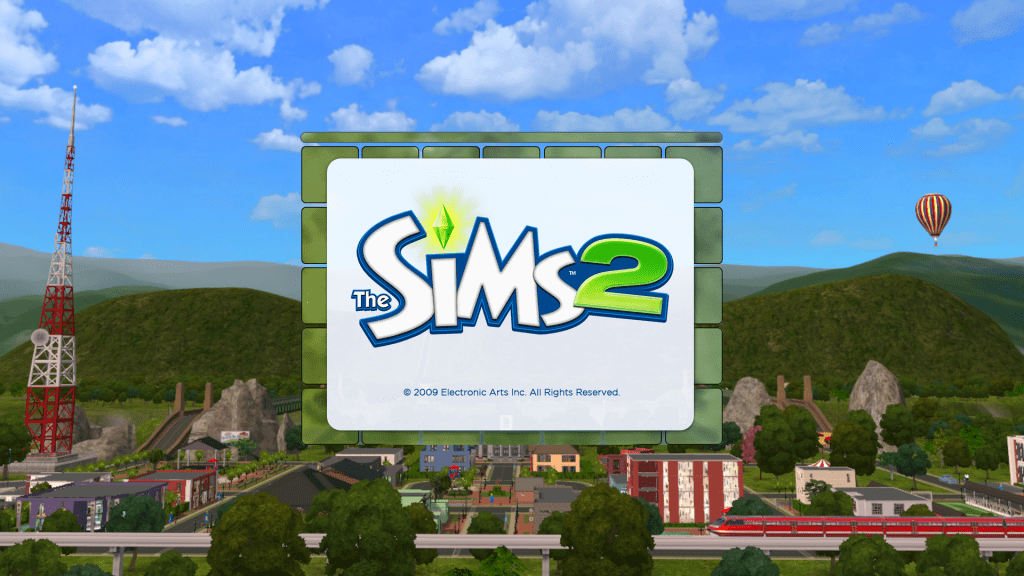
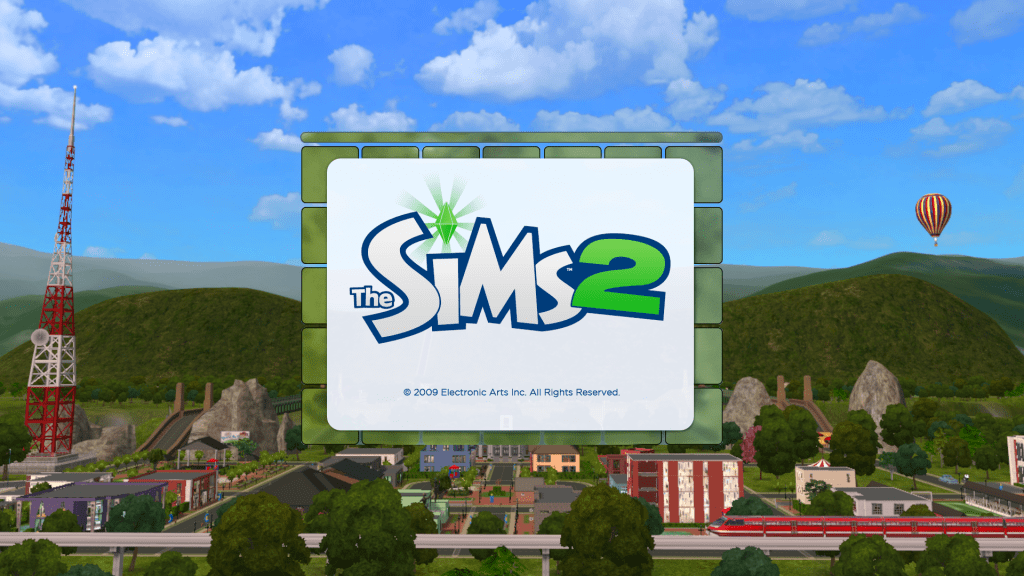
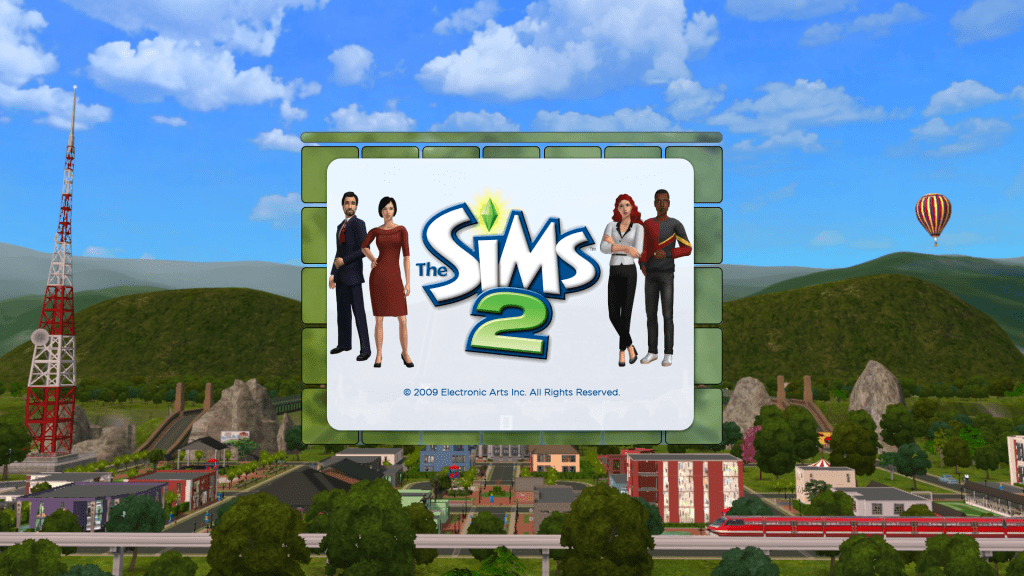
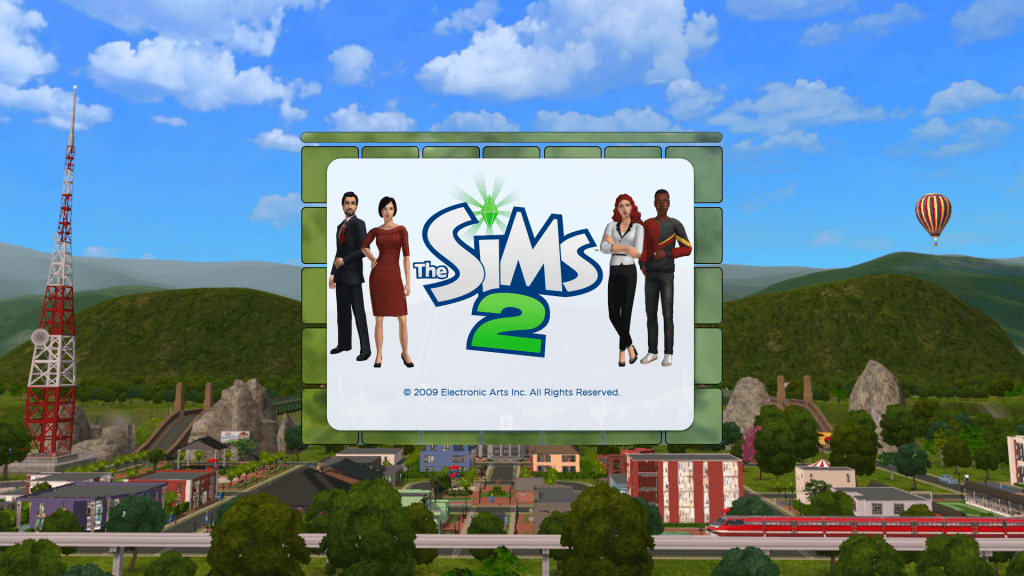
Thanks to GreatCheeseCakePersona and his Clean UI DIY Kit, I was able to make these six Riverville themed loading screens. To download, click one of the loading screens you’d like to have in your game.
How to install a loading screen into your game:
1) Extract and place the package file in the UI folder of your base game which is usually located:
C: > Program Files (x86) > Origin Games > The Sims 2 Ultimate Collection > Double Deluxe > Base > TSData > Res > UI
C: > Program Files (x86) > EA Games > The Sims 2 > TSData > Res > UI
The path depends on what version of the game you have.
2) Make sure to back up your default loading screen, just in case.
That’s it. I’d also recommend you to get Clean UI installed into your game for compatibility reasons.
Enjoy & Happy Simming!
 Buildings & Sims by AlexArt